
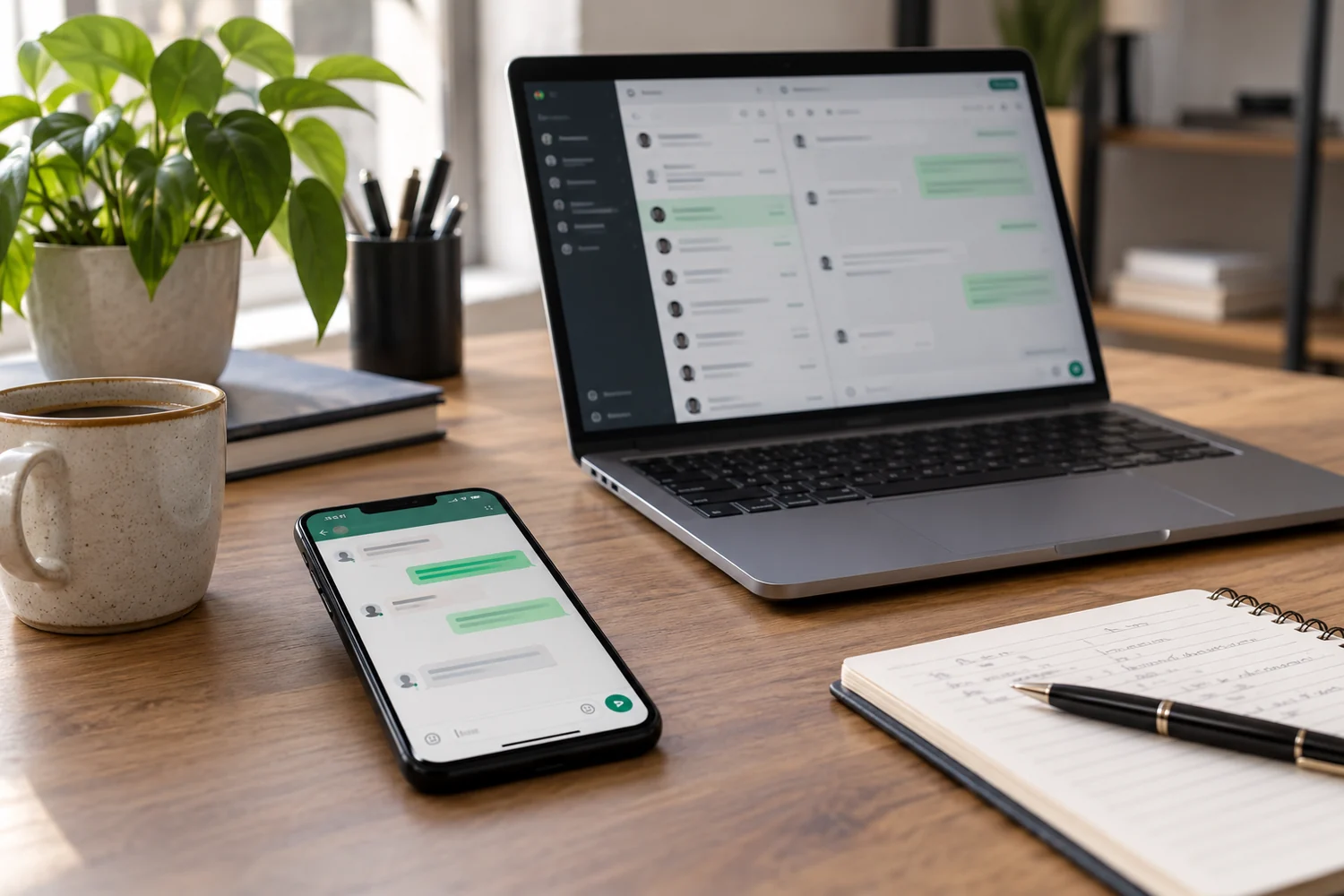
The free WhatsApp Business app and the Platform API look similar from the outside and behave completely differently once more than one person answers. Here is how to tell which one fits.
Almost every business in Azerbaijan that sells to consumers uses WhatsApp, and almost all of them start the same way: the free WhatsApp Business app, installed on the owner's or a manager's phone. For a while it works perfectly well.
Then the business grows, and the cracks appear in a predictable order. Two people need to answer at once. Someone goes on holiday and the conversation history goes with their phone. A customer says "I already told your colleague" and nobody can check. Someone asks whether the CRM can show these conversations, and the answer is no.
At that point businesses hear about the WhatsApp Platform API and usually receive a confusing explanation. This article sets out what actually differs between the two, which problems the API genuinely solves, which it does not, and how to decide without paying for something you did not need.
The most important thing to understand is that these are not two tiers of one product. They are different things that happen to carry the same brand.
The WhatsApp Business app is an application you install on a phone. It has a number, it stores conversations on the device, and one person uses it at a time. The Platform API is not an application at all — it has no interface. It is a connection that other software uses to send and receive messages. You cannot open it, so you always need something on top of it: either a ready-made inbox product or software built for you.
This distinction explains most of the confusion. When somebody says the API is expensive, they usually mean the combination of the API and the interface they had to obtain to use it.
There is a third option people often miss: WhatsApp Business also offers limited multi-device use within the app itself. It helps a little, but it is a convenience for one business working across a phone and a computer, not a way for a team to divide work. If your problem is that two colleagues need to own different conversations, the app cannot solve it regardless of how many devices are linked.
Feature lists are long; the differences that change how a business operates are few.
| Area | Business app | Platform API |
|---|---|---|
| People answering at once | Effectively one | As many as you need, with assignment |
| Where history lives | On the phone | In your system, not on any device |
| Connecting to CRM or store | Not possible | Standard |
| Automated replies | Simple canned messages | Full automation, including AI answering |
| Interface | Included | You supply or build it |
| Cost | Free | Per conversation, plus the interface |
| Setup | Minutes | Business verification, days to weeks |
Reading down the first column, the app is the right answer for a surprising number of businesses. Reading down the second, the API stops being a luxury the moment two people need the same conversation.
The transition is usually triggered by operational pain rather than ambition. These are the common signals:
One of these is tolerable. Three of them together is a business running on a phone that happens to belong to somebody, which is a risk most owners would not accept if it were described to them in those words.
Three things, and they are worth stating precisely because they are frequently oversold.
The first is shared access with structure: several people working the same inbox, conversations assigned to owners, and a history that belongs to the company rather than to a device. This alone justifies the move for most growing businesses.
The second is connection. Because the API is designed to be used by software, WhatsApp conversations can sit beside customer records, orders and stock. A message asking "where is my order?" can be answered with the actual status rather than with a promise to check. This is what WhatsApp Business integration is really for.
The third is automation that goes beyond canned replies — including AI sales assistants that answer common questions and hand over cleanly when a person is needed.
The API does not make WhatsApp better for the customer. It makes it manageable for the business — and the customer notices only because replies arrive faster and nobody asks them to repeat themselves.
Messaging on the API is not unrestricted, and understanding this before committing prevents unpleasant surprises.
The central rule is that you cannot message people freely whenever you like. When a customer writes to you, a window opens during which you can reply conversationally. Outside that window, messages must use templates approved in advance, and they are charged. This is deliberate: it is what keeps WhatsApp from becoming an advertising channel, and it protects the fact that customers still read messages there.
The practical consequence is that notification flows — order confirmations, delivery updates, appointment reminders — have to be planned as templates, submitted, and approved before they can be used. It is not difficult, but it is not instant either, and discovering it during launch week is entirely avoidable with an hour of planning.
Pricing has two parts, and the second is the one people forget.
The first is conversation charges: you pay per conversation window rather than per message, and the rate depends on who initiated it and why. Customer-initiated conversations are cheaper than business-initiated ones, which is the opposite of how most people assume it works.
The second is the interface. Since the API has no screen, you either subscribe to an inbox product — fast, monthly, limited to what it offers — or build one into your own system, which costs more initially and puts WhatsApp inside the tools your team already uses. For businesses that already run a CRM, the second option often ends up cheaper within a year and considerably less disruptive.
Before comparing quotes, work out your rough monthly conversation volume — not message volume, which is much higher and not what you pay for. Most businesses overestimate it substantially, because a long back-and-forth with one customer over an afternoon is a single conversation rather than forty messages. Getting this number approximately right changes which option looks sensible, and it takes an hour of looking at your existing inbox.
Four questions settle it in most cases:
If all four answers point to the app, stay there and revisit the question in six months, or sooner if you hire. There is no advantage in paying for infrastructure you are not using, and the app is genuinely good at what it does.
Three practical points save most of the trouble. First, business verification takes time and requires documents, so start it before you need the system running. Second, moving to the API means a decision about the number: keeping your existing one is usually possible but must be planned, because a number cannot be active in both places. Third, write your template messages early — approval is not instant, and launch plans that assume otherwise slip.
It is also worth deciding at this point whether WhatsApp will be managed separately or together with your other channels. Most businesses receiving WhatsApp messages also receive Instagram messages, and handling both in one place is considerably easier to set up at the start than to retrofit later.
The WhatsApp Business app is not a trial version of the API; it is a complete product for a single-person workflow. The API exists for businesses where several people, several systems and a permanent history are involved. Choosing on the number of people answering — rather than on company size or ambition — gets it right almost every time.
You can see how we approach automation and integrations on the service pages. To work out which option fits your volume and team, you are welcome to request a free consultation.

Subscribe to our newsletter to stay up to date with the latest news and updates!
Bakı, Azərbaycan
© 2026 MyCode. All rights reserved.


